The SEPA cancellation is displayed in the overview mask of the SEPA cancellations with the status Created, In process or Transferred with errors.
You have prepared your security medium.
|
1. |
In the column Action, click on |
||||||||
|
2. |
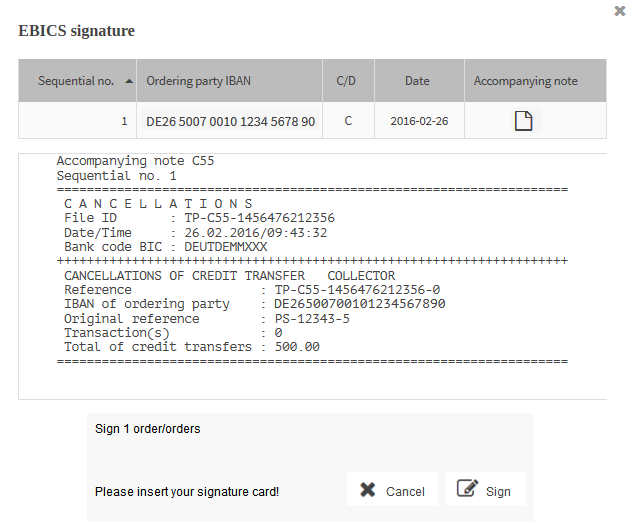
The mask of the security plugin opens, showing you the data of the cancellation.
|
||||||||
|
3. |
To view and/or save the accompanying note for the cancellation, click on |
||||||||
|
4. |
To continue with the signing, click on Sign. |
||||||||
|
5. |
Authenticate yourself with your security medium.
|
||||||||
 for the relevant order.
 in the column